

High-Converting Web Design: Key Elements Explained
Web Design, UX, Conversion Optimization
The Mechanics of High-Converting Web Design
High-converting websites are not accidents. They are the deliberate result of thoughtful aesthetics, disciplined user experience design, smooth site transitions, and carefully crafted custom web assets that work together to guide visitors toward meaningful action. This article breaks down the mechanics behind that kind of performance-focused design and shows how each element contributes to higher conversion rates.
Why Conversion-Focused Design Starts Before the First Pixel
A high-converting website begins long before layouts, color palettes, or animations enter the picture. It starts with clarity: clarity about the business goals, the target audience, and the specific actions you want visitors to take. Design is then used as a tool to remove friction between those visitors and those actions.
When you view design through this lens, aesthetics, user experience, site transitions, and custom web assets stop being “nice-to-have” flourishes. They become levers that can be tuned and tested. Each decision either supports your conversion goals or distracts from them. The most effective teams treat design as a performance discipline, not just a visual one, measuring its impact on metrics such as click-through rates, lead submissions, and average order value.
Aesthetics: More Than Just Looking Good
Visual appeal is often dismissed as subjective, but in conversion-focused design, aesthetics serve a very practical role: they establish trust, communicate hierarchy, and influence how users interpret information. A visually coherent, professional interface reassures visitors that your brand is credible and your offering is reliable. In contrast, cluttered layouts, inconsistent typography, or low-quality imagery can quietly erode confidence, even if the content itself is strong.
Visual Hierarchy and Focus
High-converting websites use aesthetics to direct attention with intention. Size, color, contrast, spacing, and typography are orchestrated so that the eye naturally travels from the most important element to the next. Primary calls to action stand out clearly against a neutral background, headlines are readable at a glance, and supporting text is structured in scannable blocks rather than intimidating walls of copy. This is not decoration; it is a visual roadmap to conversion.
A clear hierarchy also reduces cognitive load. When visitors can instantly distinguish between primary and secondary information, they make decisions faster. For example, a contrasting button color, paired with ample white space and a concise label, can significantly increase click-through rates, even when nothing else on the page changes. The underlying principle is simple: the easier it is to see what to do next, the more likely people are to do it.
Consistency, Brand, and Perceived Quality
Consistency is one of the quiet engines of conversion. When typography, colors, iconography, and spacing feel unified from page to page, visitors experience your site as intentional and stable. This consistency reinforces brand recognition and helps users feel oriented, especially during longer journeys such as product research or multi-step forms. Inconsistent aesthetics, on the other hand, can make a site feel patched together or outdated, which undermines perceived quality and trust.
High-converting designs often lean on a restrained, neutral base palette with carefully chosen accent colors for actions and highlights. Neutral backgrounds allow product imagery, headlines, and calls to action to take visual priority. This approach also ages gracefully, reducing the need for constant redesigns and ensuring that the site continues to feel current and trustworthy over time.
Readability and Accessibility as Aesthetic Fundamentals
Aesthetic decisions have direct implications for readability and accessibility. Font choices, line spacing, contrast ratios, and text sizes are not merely stylistic preferences; they determine whether users can comfortably consume your content on different devices and in different lighting conditions. High-converting sites prioritize legibility over novelty, especially for core content such as product descriptions, pricing, and form labels, where misunderstandings can derail conversions entirely.
📌 Key Takeaway: Aesthetics support conversion when they clarify hierarchy, reinforce trust, and keep content readable. Visual decisions should always be evaluated against these criteria, not just personal taste.
User Experience: Designing the Path to Action
If aesthetics answer the question, “Do I trust this brand?”, user experience (UX) answers, “Can I easily do what I came here to do?” High conversion rates are rarely the result of a single persuasive headline or a single striking image. They are the cumulative effect of a frictionless journey: intuitive navigation, predictable behavior, clear messaging, and minimal barriers between intent and completion. UX is where those elements are designed, tested, and refined.
Clarity of Purpose on Every Page
Every high-converting page has a clear primary purpose. For a product page, the goal might be “add to cart.” For a service page, it may be “schedule a consultation.” For a blog article, it could be “subscribe to the newsletter” or “download a resource.” UX design ensures that the page structure, content, and interactions all support that primary goal without overwhelming users with competing options or distractions.
Practically, this means limiting the number of main calls to action on a page, aligning them with the visitor’s stage in the decision-making process, and positioning them in places where intent is highest. It also means avoiding patterns that may generate clicks but not meaningful conversions, such as intrusive pop-ups that interrupt reading or misleading button labels that do not match the destination page.
Navigation That Reduces Friction, Not Adds to It
Navigation is often treated as a checklist item—“add a menu and a footer”— but in conversion-focused design, it is a strategic layer. Effective navigation helps visitors understand where they are, where they can go next, and how to get back if they change their mind. It surfaces the most commercially important destinations, such as pricing, key product categories, or contact options, without burying them behind ambiguous labels or deep menu structures.
Mobile navigation deserves particular attention. On smaller screens, hidden menus, overlapping elements, or poorly spaced touch targets can quickly turn interest into frustration. High-converting mobile experiences often simplify navigation more aggressively than desktop, focusing on the most common paths and offering persistent access to search, cart, or primary contact actions. The goal is not to mirror desktop exactly, but to deliver the same clarity with fewer, more focused options.
Reducing Cognitive Load and Decision Fatigue
Users do not arrive on your site with unlimited attention. Every unnecessary choice, every unclear label, every redundant step adds to their cognitive load. Over time, this leads to decision fatigue, which often manifests as abandonment—of carts, forms, or entire sessions. UX design that prioritizes conversion looks for ways to simplify without dumbing down: fewer fields in forms, clearer copy, defaults that align with common preferences, and contextual help where confusion is likely.
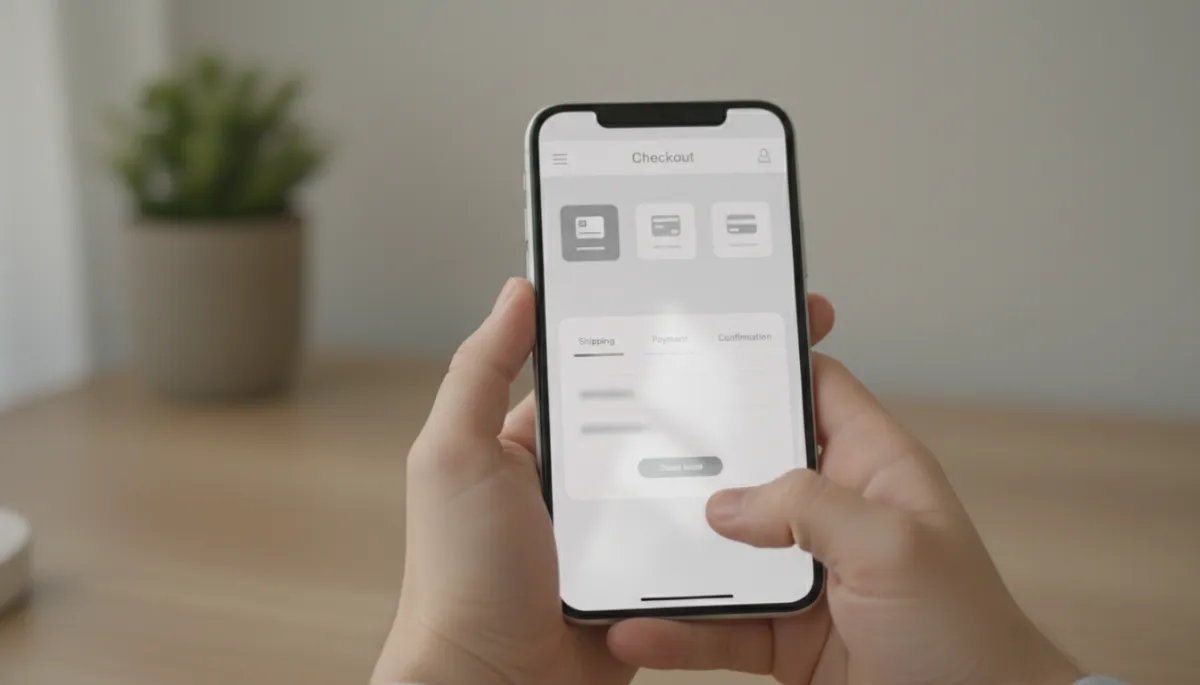
Streamlined mobile checkouts with fewer fields can dramatically reduce cart abandonment.
Microcopy—short pieces of text such as form hints, error messages, and button labels—plays an outsized role here. Clear, reassuring microcopy can ease hesitation (“You can change this later,” “We will never share your email”) and prevent costly errors (“Use the address linked to your card”). High-converting sites treat microcopy as part of UX, not an afterthought, and often test variations to learn what removes the most friction for their audience.
Performance and Responsiveness as UX Essentials
Performance is UX. Slow-loading pages, jarring layout shifts, or delayed interactions erode user confidence and patience. Even the most visually polished interface will underperform if it feels sluggish or unstable. Research consistently shows that as page load time increases, conversion rates decline. For conversion-focused design, this means optimizing images, minimizing unnecessary scripts, and using transitions and animations judiciously so they enhance rather than hinder responsiveness.
💡 Pro Tip: When evaluating UX, walk through your key journeys on real devices and connections. If anything feels slow, confusing, or effortful, your visitors are likely experiencing the same friction—and some will drop off because of it.
Site Transitions: Invisible Glue Between Interactions
Site transitions—the way the interface responds as users move between states, pages, or actions—are often overlooked in discussions about conversion. Yet they play a crucial role in how seamless a journey feels. Transitions include everything from hover states and button feedback to page fades, content reveals, and loading indicators. Done well, they create a sense of continuity and control; done poorly, they introduce confusion and delay.
Feedback, Affordance, and User Confidence
Users need to know that their actions have been registered. Micro transitions—such as a button subtly changing color or depth when clicked, a form field highlighting when active, or a cart icon updating with a small animation—provide that feedback. These cues reassure visitors that the interface is responsive and predictable, which in turn builds confidence to proceed to the next step, whether that is adding another item, entering payment details, or submitting a lead form.
Affordance—the visual suggestion of how an element can be used—is closely tied to transitions. For example, a card that gently lifts on hover suggests it is clickable, while a static block may be mistaken for plain text. High-converting sites employ subtle, consistent transitions to reinforce these cues, reducing the need for users to guess where interactions are possible. This clarity decreases hesitation and misclicks, both of which can interrupt the path to conversion.
Guiding Attention with Motion, Not Distracting from It
Motion naturally attracts attention. In a conversion context, this is both a powerful tool and a potential liability. Thoughtful transitions can guide users toward the next important element—such as a step indicator animating forward in a multi-step form, or a confirmation panel gently sliding into view after an action is completed. However, excessive or overly dramatic animations can compete with key content, slow perceived performance, and create a sense of visual noise that undermines focus.
High-converting designs apply motion with restraint. Transitions are short, smooth, and purposeful, often in the 150–300 millisecond range, and they follow consistent patterns across the site. This consistency helps users form accurate expectations about how the interface behaves, which reduces friction and makes complex flows—such as account creation or product configuration—feel more manageable.
Handling Loading States and Perceived Speed
Even well-optimized sites occasionally need to load data, process a request, or fetch content from external services. How these moments are handled has a measurable impact on user satisfaction and conversion. A blank screen or frozen interface leaves visitors uncertain and impatient. A clear loading indicator, progress bar, or skeleton screen, on the other hand, maintains a sense of momentum and reassures users that the process is moving forward as expected.
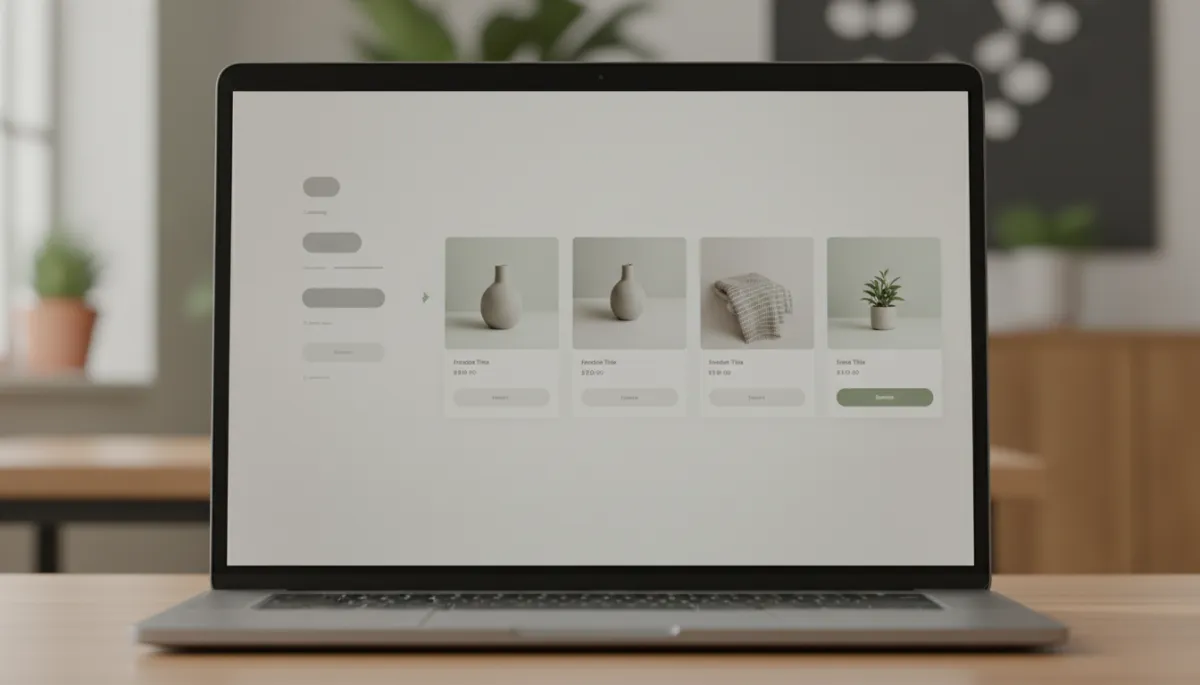
Well-designed loading states preserve momentum and reduce perceived wait times during key actions.
Skeleton screens—temporary placeholders that mimic the structure of the final content—are particularly effective for maintaining perceived speed. Users see the layout immediately, then watch as details fill in, which feels faster than staring at a spinner, even if the total load time is similar. For conversion-critical flows such as checkout, account creation, or quote generation, these small improvements in perceived responsiveness can make the difference between a completed action and an abandoned one.
Custom Web Assets: Tailoring the Experience for Your Audience
While templates and stock elements can accelerate development, high conversion rates often depend on custom web assets that reflect your brand, your audience, and your specific value proposition. Custom assets—such as tailored illustrations, product photography, icon sets, data visualizations, and interactive components—allow you to communicate more clearly and persuasively than generic, off-the-shelf visuals can.
Custom Imagery That Aligns with Your Offer and Audience
Visitors quickly develop an impression of your brand based on the imagery you use. Overly generic stock photos can make even a strong offering feel indistinguishable from competitors. Custom photography or carefully curated, consistently styled images, by contrast, can highlight real products, real environments, and real outcomes. This specificity builds trust and helps potential customers visualize how your solution fits into their world, which is a powerful driver of action.
In a neutral color scheme, custom images can serve as focal points that carry emotional weight without overwhelming the interface. For example, showing a real person using your product in a realistic environment—shot in a photorealistic style with soft, natural lighting—can convey quality and reliability more effectively than any block of text. When these images are used consistently across the site, they create a coherent visual story that reinforces your messaging and supports conversion goals.
Icons, Diagrams, and Data Visualizations with a Purpose
Custom icons and diagrams are not simply decorative. When designed with clarity in mind, they help users quickly understand complex ideas, compare options, or grasp processes that might otherwise require dense explanations. For example, a simple three-step diagram showing how your service works can reduce anxiety about getting started, while a clear comparison chart can make pricing tiers easier to evaluate, leading to more confident purchases or sign-ups.
Data visualizations play a similar role for metrics-driven offerings. Rather than presenting raw numbers in long paragraphs, a concise, well-labeled chart or graphic can highlight performance improvements, cost savings, or time reductions at a glance. The key is to keep these assets aligned with your neutral visual language—clean lines, restrained color usage, and clear labels—so they integrate seamlessly into the overall design and do not feel like disconnected marketing inserts.
Interactive Components That Support Decision-Making
Custom interactive assets—such as product configurators, calculators, quizzes, or guided tours—can significantly boost engagement and conversion when they are tied to genuine decision-making needs. For instance, a price estimator that updates in real time as users adjust their requirements can reduce uncertainty and encourage more serious inquiries. A product comparison tool that highlights key differences based on user-selected criteria can help visitors move from exploration to commitment more confidently.
The effectiveness of these assets depends on how well they are integrated into the broader UX. They should load quickly, behave consistently with the rest of the interface, and lead naturally to the next conversion step—for example, from a calculator result to a pre-filled contact form or from a product comparison to a tailored product page. When designed in isolation, they risk becoming curiosities; when designed as part of the conversion journey, they become powerful accelerators of intent.
📌 Key Takeaway: Custom web assets should clarify, reassure, or simplify decisions. If an asset does not make it easier for a visitor to understand your offer or move forward, it is a candidate for refinement or removal.
Bringing It All Together: A Conversion-Focused Design Framework
Aesthetics, user experience, site transitions, and custom web assets are most powerful when they are aligned within a single, coherent framework. Rather than treating each discipline as a separate layer, high-performing teams view them as interdependent components of the same system: a system designed to move visitors from first impression to meaningful action with as little friction as possible.
Step 1: Define the Conversion Goals and Key Journeys
Begin by identifying the primary conversions you care about—purchases, demo requests, newsletter sign-ups, downloads—and map the journeys that typically lead to them. For each journey, list the pages and key interactions involved. This exercise will highlight where design has the greatest potential impact and where users are most likely to encounter friction, confusion, or hesitation.
Step 2: Audit the Current Experience Through a Conversion Lens
Next, evaluate your existing site across the four pillars discussed: aesthetics, UX, transitions, and custom assets. For each pillar, ask targeted questions such as:
Aesthetics: Is visual hierarchy clear? Do calls to action stand out against a neutral, consistent backdrop? Does the site look modern and trustworthy on all devices?
User Experience: Does each page have a clear primary purpose? Are there unnecessary steps in key flows? Is navigation helping or hindering discovery of important content?
Site Transitions: Do interactions provide immediate feedback? Are animations consistent, subtle, and purposeful? Are loading states handled gracefully?
Custom Web Assets: Do images, icons, and interactive tools feel tailored to your audience and offer? Do they clarify decisions or simply decorate the page?
This audit will surface specific, actionable opportunities—such as simplifying a form, replacing generic imagery with custom photography, or tightening transitions on a critical flow—that can be prioritized based on potential conversion impact and implementation effort.
Step 3: Prototype, Test, and Measure
Conversion-focused design is an iterative practice. Rather than attempting a complete overhaul in one pass, start by prototyping improvements to your highest-impact journeys. This might involve redesigning a product page with clearer hierarchy and custom imagery, refining the transitions in your checkout flow, or introducing a custom calculator to support pricing decisions. Where possible, test these changes with real users or through controlled experiments such as A/B tests to understand their effect on key metrics.
Measurement is essential. Track not only end conversions but also intermediate behaviors—scroll depth, click patterns, form completion rates—that can signal whether the new design is reducing friction or unintentionally introducing new obstacles. Over time, this data-driven approach will help you refine not just individual pages, but your overall design philosophy, leading to more confident decisions and more predictable results.
Conclusion: Design as a Strategic Conversion Asset
High-converting web design is not about chasing trends or adding visual flourishes for their own sake. It is about using aesthetics, user experience, site transitions, and custom web assets as coordinated tools to support clear business objectives. When these elements are aligned, your website stops functioning as a static brochure and becomes a dynamic, measurable contributor to growth—attracting the right visitors, guiding them through thoughtful journeys, and making it as easy as possible for them to say “yes.”
Investing in this level of design discipline requires time, collaboration, and a willingness to test assumptions. However, the payoff is substantial: higher conversion rates, stronger brand perception, and a digital presence that can adapt as your market and audience evolve. By treating design as a strategic asset rather than a final layer of polish, you position your website—and by extension, your organization—to compete more effectively in an environment where user expectations continue to rise.
Ultimately, the mechanics of high-converting web design come down to empathy and precision: understanding what your visitors need, what holds them back, and how every visual, interactive, and structural decision either moves them closer to their goal or further away. When you approach aesthetics, UX, transitions, and custom assets with that mindset, design becomes not just a way to make your site look better, but a disciplined practice for making your business perform better.
