

How to Set Up Proper Analytics Tracking for Accurate Campaign Data
Analytics, Small Business Marketing
How to Set Up Proper Analytics Tracking for Truly Accurate Campaign Data
If you are spending money or time on marketing and you cannot say which campaigns are driving sales, you have a tracking problem, not a traffic problem. This guide shows you, step by step, how to set up Google Analytics 4 (GA4), UTM parameters, and attribution modeling so you finally get reliable, decision-ready data for your small business.
Turn Guesswork Into Clear Campaign Data
Set up analytics that show exactly what is working
Why Accurate Tracking Matters More Than More Traffic
As a small business owner, you cannot afford to guess. Every ad, every email, and every social post either moves the needle or wastes budget. When tracking is sloppy, you:
Keep paying for campaigns that look “busy” but do not convert.
Turn off channels that actually drive sales but do not get proper credit.
Make decisions based on gut feeling instead of real numbers.
Proper analytics tracking fixes this. The combination of GA4, well-structured UTM parameters, and clear attribution modeling gives you a single source of truth for your marketing performance. Follow the steps below in order. Do not skip steps, and you will end with a tracking system you can trust.
Step 1: Set Up GA4 Correctly From the Start
GA4 is Google’s current analytics platform. If you are still relying on Universal Analytics reports, you are working with outdated data. Move your focus to GA4 now and configure it properly for your business goals, not just page views.
1. Create or Confirm Your GA4 Property
Log in to Google Analytics and make sure you have a GA4 property for your website. If not, create a new GA4 property and connect it to your existing account.
In the Admin area, confirm the correct time zone and currency. This matters for reading revenue and comparing performance across days and weeks.
2. Install the GA4 Tag on Your Site
You can install GA4 directly with the gtag code or through Google Tag Manager (GTM). If you already use GTM, keep everything there so you manage tracking in one place. If you do not, use the basic GA4 tag now and plan to move to GTM later when you are ready.
Copy your GA4 Measurement ID from the Admin > Data Streams section.
Add the provided script to every page of your website, ideally in the global header so it loads consistently.
💡 Pro Tip: After installing GA4, use the Realtime report to confirm that your own visit appears. If you do not see it, your tag is not firing correctly. Fix this before touching anything else.
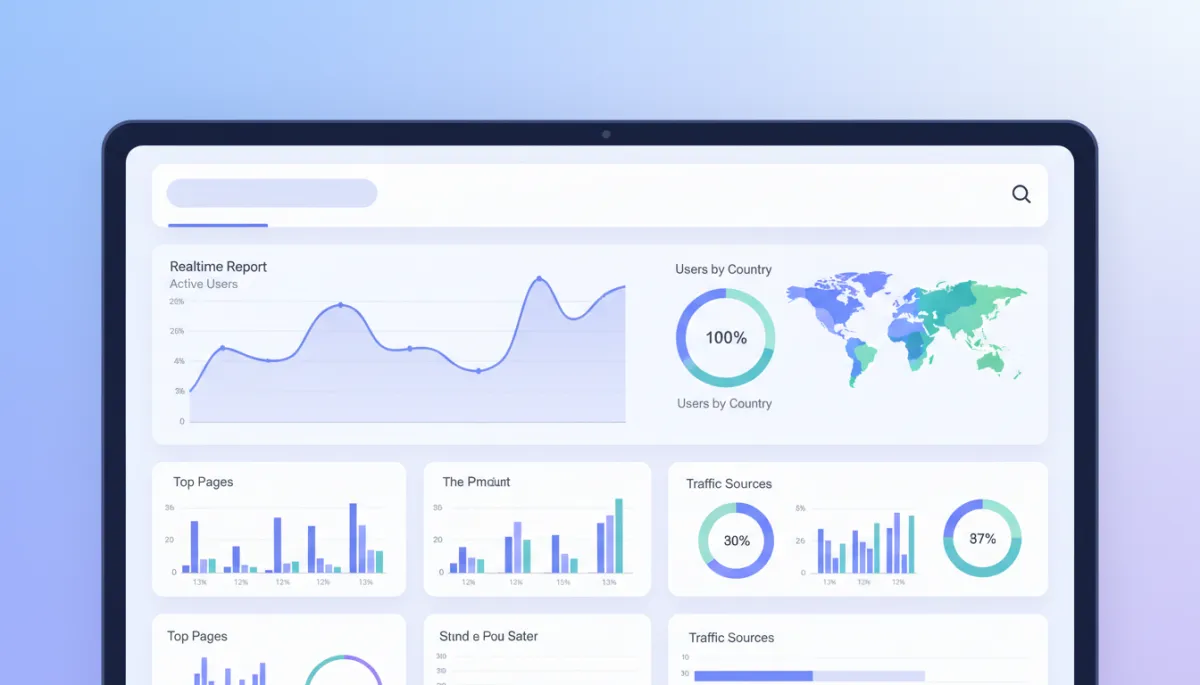
Always validate your GA4 installation in Realtime before trusting any reports.
3. Turn Key Actions Into GA4 Conversion Events
Page views alone do not pay your bills. In GA4, you must define the specific actions that matter for your business as conversions. For most small businesses, these are:
Online purchases or completed checkouts.
Lead form submissions (quote requests, contact forms, bookings).
Phone clicks from mobile (if calls are a major sales channel).
In GA4, go to Admin > Events, locate the event that represents your key action (for example, a “thank_you” page view or “generate_lead” event), and toggle it on as a conversion. From this point, GA4 will treat that action as a conversion in your reports.
📌 Key Takeaway: If you do not mark conversions in GA4, your campaign data will only show traffic, not results. Fix this first before worrying about attribution models or channels.
Step 2: Use UTM Parameters to Label Every Campaign Clearly
GA4 can only tell you where traffic comes from if the links you share are labeled correctly. This is where UTM parameters matter. They are short tags you add to the end of your URLs so GA4 can see exactly which campaign, source, and medium sent a visitor.
4. Understand the Core UTM Fields You Actually Need
Ignore the noise. As a small business owner, you need to focus on three main UTM parameters and use them consistently:
Parameter What It Describes Example Value utm_source Where the traffic comes from facebook, instagram, newsletter, google_ads utm_medium Type of traffic or channel cpc, email, social, referral utm_campaign The specific promotion or offer spring_sale_2025, new_menu_launch, black_friday
You can also use utm_content to differentiate variations of an ad or email, but only once you are comfortable with the basics above. Your priority is consistency, not complexity.
5. Build Clean UTM-Tagged Links for Every Campaign
Use Google’s Campaign URL Builder or a simple spreadsheet template. Decide on clear naming rules and stick to them. For example:
Always use lowercase (facebook, not Facebook).
Use underscores instead of spaces (spring_sale_2025).
Keep utm_campaign focused on the offer, not the channel.
A typical UTM-tagged link for a Facebook ad might look like this:
https://yourwebsite.com/spring-sale?utm_source=facebook&utm_medium=cpc&utm_campaign=spring_sale_2025
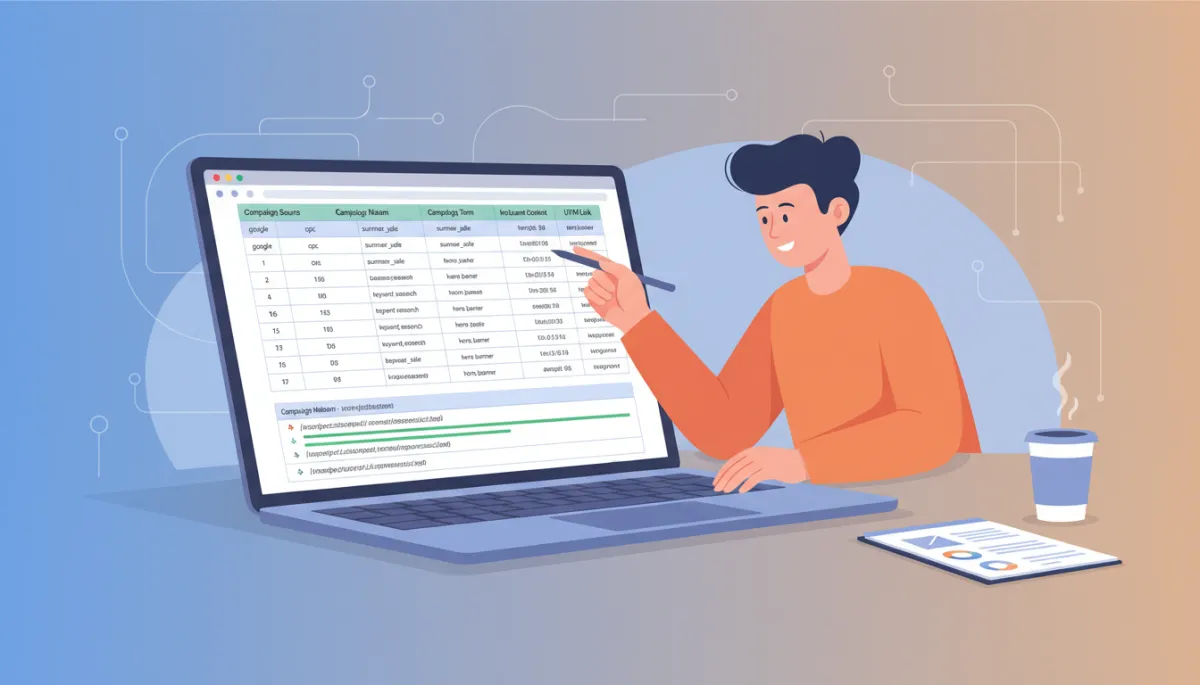
Consistent UTM naming turns messy traffic data into clear, comparable campaigns.
6. Apply UTMs Everywhere You Control the Link
If you are not tagging links, you are leaving money on the table. Apply UTM parameters to:
All paid ads (Facebook, Instagram, Google Ads, LinkedIn, etc.).
Email campaigns and newsletters.
Links from partners or influencers (so you can see their impact clearly).
💡 Pro Tip: Never use UTM tags on internal links within your own website. They will overwrite the original source and break your attribution. Use them only on links that bring visitors to your site from outside.
Step 3: Set Up Attribution Modeling That Reflects Real Customer Journeys
Once GA4 is tracking correctly and your UTM parameters are clean, you can finally address attribution modeling—how GA4 decides which channel gets credit for a sale or lead. This is where many small business owners get confused and misinterpret their data.
7. Know the Key Attribution Models in GA4
GA4 offers several attribution models. You do not need to master them all, but you must understand the main ones:
Last click: Gives all credit to the final channel before conversion. Simple but often unfair to upper-funnel campaigns.
First click: Gives all credit to the first channel that brought the user to your site. Useful for understanding which channels open the relationship.
Data-driven: GA4’s recommended model. It shares credit across touchpoints based on how often each channel appears in converting journeys compared to non-converting ones.

Attribution models change which channels appear “profitable” at first glance.
8. Choose a Primary Attribution Model and Stick With It
For most small businesses, using GA4’s data-driven attribution as the default is the most realistic choice. It gives some credit to every meaningful touchpoint rather than exaggerating the impact of the last click. In GA4, go to Advertising > Attribution Settings and confirm your default model.
Then, when you review performance, compare at most two models side by side, such as data-driven vs last click. Do not bounce between multiple models or you will paralyze yourself with conflicting numbers.
📌 Key Takeaway: Attribution modeling does not change what actually happened. It changes how you see what happened. Pick a model that matches how your customers buy and keep it consistent.
9. Read Reports With the Full Journey in Mind
Your customers rarely click one ad and buy immediately. A typical journey might be:
They see a Facebook ad and visit your site.
They leave, then later search your brand on Google.
They join your email list and finally buy from an email promotion.
If you only look at last click, email looks like the hero and Facebook looks useless. Data-driven attribution will show that Facebook played a real role in starting the journey. When you review GA4’s Model Comparison and Conversion Paths reports, ask one direct question: “Which channels consistently appear in converting journeys?” Those are the channels you protect and scale.

Conversion path reports reveal how channels work together, not just in isolation.
Step 4: Turn Your Tracking Into Clear, Actionable Decisions
Tracking alone does not grow revenue. You must translate the data into direct decisions. With GA4, UTM parameters, and attribution modeling in place, focus on three practical routines.
10. Review Campaign Performance Weekly, Not Yearly
Set a fixed 30-minute slot each week to open GA4 and answer these questions for the last 7–14 days:
Which campaigns drove the most conversions?
What was the cost per conversion for each paid channel (using your ad platform data)?
Which channels are sending traffic that never converts?

A consistent weekly review rhythm turns analytics into real marketing control.
11. Cut What Does Not Work and Reinforce What Does
Use your data to make firm decisions. If a campaign has had enough traffic, enough time, and still does not convert, reduce or stop its budget. At the same time, give more budget and creative attention to campaigns and channels that consistently appear in conversion paths and deliver acceptable cost per conversion.
This is where accurate tracking pays off. You are no longer guessing or reacting to vanity metrics like clicks and impressions. You are moving money toward what proves it can generate revenue for your small business.
12. Document Your Tracking Rules So Your Team Follows Them
If you have staff, an agency, or even just a part-time assistant helping with marketing, you must document your tracking standards. Otherwise, your clean system will degrade quickly. Create a one-page document that states:
Which GA4 property and account you use.
Your exact UTM naming rules with examples.
Your chosen attribution model and how you interpret it.
💡 Pro Tip: Treat your tracking setup like a financial system. You would not let anyone change your bookkeeping rules casually. Apply the same discipline to analytics.
Bringing It All Together for Your Small Business
You do not need to become a data analyst to get accurate campaign data. You do need to follow a clear process and refuse to accept fuzzy numbers. For a small business owner, the path is straightforward:
Install GA4 correctly and define real conversions that match your sales process.
Use UTM parameters consistently on every external campaign link so GA4 can see exactly what is sending traffic and results.
Choose an attribution model—preferably data-driven—and read your reports with the entire customer journey in mind.
Review performance regularly and move budget toward what repeatedly proves it can generate leads and sales.
When you do this, your marketing stops being a gamble. You will know which channels introduce new customers, which ones close the sale, and which ones simply create noise. That clarity is an advantage most small business owners never claim. You can.
Start today. Confirm your GA4 setup, clean up your UTM parameters, lock in your attribution model, and commit to a weekly review. In a few weeks, you will have something far more powerful than another campaign—you will have a reliable system that tells you exactly which campaigns deserve your time, attention, and budget.
