

Streamline Business with SMS Appointment Reminders
Business Communication, SMS Marketing, Appointment Management
Streamline Your Business with SMS Appointment Confirmation & Reminders
If your team is still chasing people by phone or email to confirm bookings, you’re working way too hard. Automated SMS appointment confirmations and reminders can quietly handle that follow‑up for you—reducing no‑shows, smoothing your schedule, and giving customers the nudge they actually notice.
Why SMS Is the Perfect Channel for Appointment Management
Text messaging is where your customers already live. In 2026, around 82% of consumers text every day, and studies show 87% read new texts within 15 minutes, with nearly a third checking immediately (eztexting, SimpleTexting). That speed and attention make SMS ideal for time-sensitive messages like confirmations and reminders.
On the business side, more than 75% of companies now use SMS in their communication mix, and those that do report significantly better digital results than those that don’t. When you apply that same channel to appointments, you get three big wins: efficiency, fewer no‑shows, and a noticeably better customer experience.
How Automated SMS Tools Improve Efficiency
Every manual reminder your team sends is time they’re not spending on higher‑value work. Automation changes that. Once your SMS workflows are set up, confirmations and reminders go out automatically, triggered by your calendar or booking system—no spreadsheets, no copy‑and‑paste, no last‑minute scramble.
Front‑desk staff can handle more bookings with fewer phone calls.
Managers get a clearer view of confirmed vs. “at risk” appointments.
AI and automation can respond to simple replies (like “C” for confirm) in seconds, not minutes—research shows AI can lift SMS response rates by nearly 88% while saving teams several hours a week.
Reducing No‑Shows with Timely, Two‑Way Reminders
Most people don’t skip appointments on purpose—they forget, they get busy, or something changes and they never get around to calling. Well‑timed SMS reminders solve all three problems at once:
Memory jog: A reminder 24–48 hours before the time slot brings the booking back into focus.
Easy rescheduling: Allowing customers to reply “R” to reschedule lets you free up the slot instead of waiting for a no‑show.
Same‑day nudge: A short message a few hours before the appointment reduces day‑of drop‑offs.
Many service businesses see double‑digit drops in no‑show rates after rolling out SMS reminders. Given that SMS delivery rates hover around 97% for properly registered campaigns, you can trust that your messages are actually getting through.
Three Concrete Examples Across Industries
1. Healthcare clinic cutting missed visits
A busy primary‑care clinic adds automated SMS reminders for check‑ups and follow‑ups. Patients receive:
A confirmation text as soon as the appointment is booked.
A reminder 48 hours before, with options to confirm, cancel, or request a new time.
A short reminder the morning of the visit.
Within a few months, the clinic sees fewer empty slots and a steadier schedule, while staff spend less time on outbound calls.
2. Salon smoothing its weekly schedule
A salon links its booking tool to an SMS platform. Clients get a friendly confirmation text with the stylist’s name and appointment details, plus a reminder 24 hours before. If someone cancels by replying to the text, the system alerts staff, who can quickly offer the opening to wait‑list clients—keeping chairs full without dozens of phone calls.
3. Professional services reducing back‑and‑forth
A tax advisory firm uses SMS reminders for annual reviews. Clients receive an initial confirmation plus a reminder that includes a link to upload documents. Because SMS with links can see click‑through rates around 45%—far higher than email—more clients arrive prepared, and meetings run on time.
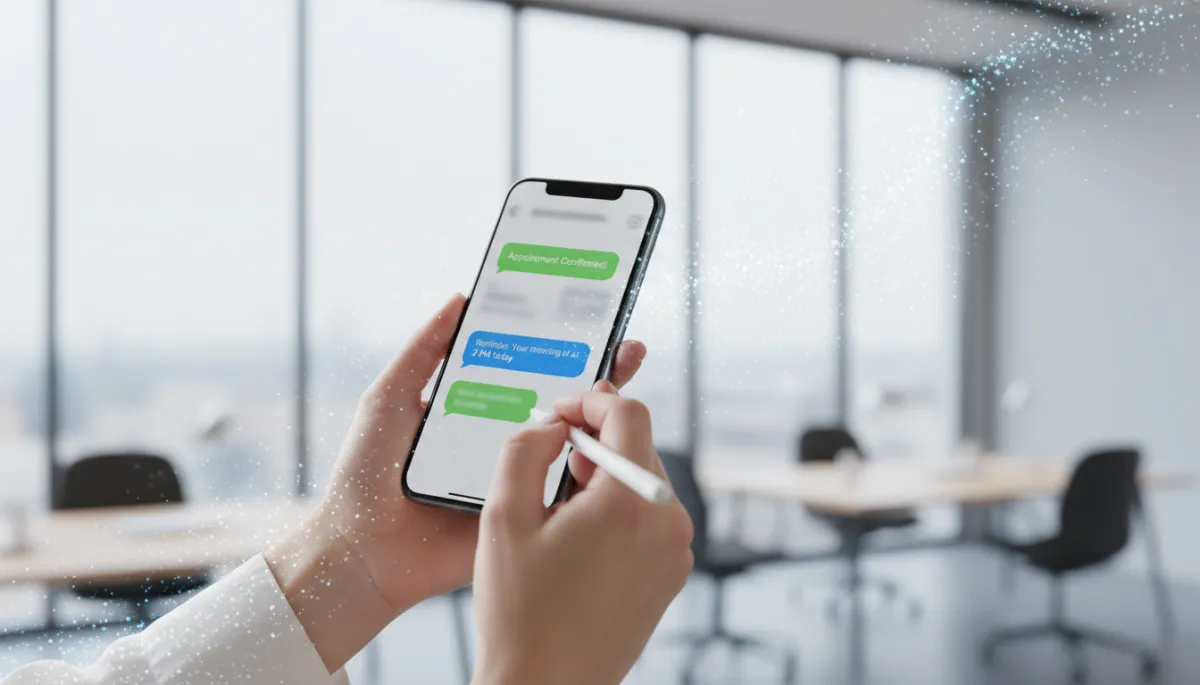
Simple, two-way SMS reminders help fill schedules while cutting manual follow-up work.
Step‑by‑Step: How to Implement SMS Confirmations & Reminders
Clarify your goals. Decide what you want to improve first: no‑show rate, staff workload, on‑time arrivals, or all of the above. This shapes your message timing and content.
Choose an SMS platform that integrates with your calendar or CRM. Look for basic automation, two‑way messaging, and reporting. Avoid tools that don’t support compliance features like opt‑out handling.
Set up clear opt‑in flows. Add SMS consent to your online booking forms, check‑in paperwork, or “text to join” keywords. Make it clear what kind of messages people will receive (e.g., “appointment confirmations and reminders”).
Map your reminder timeline. A common starting point is: 1) instant confirmation, 2) reminder 48 hours before, 3) same‑day reminder. Adjust for your industry and customer habits.
Write concise, friendly templates. Include name, date, time, location (or link), and a simple call‑to‑action like “Reply C to confirm or R to reschedule.” Keep each message short and scannable.
Test with a small group. Start with one location, service line, or team. Monitor delivery, replies, and no‑show rates for a few weeks before rolling out more broadly.
Refine based on data. Track which reminder times get the most confirmations, when people tend to cancel, and how often they opt out. Tweak timing and wording accordingly.
Compliance & Best Practices You Can’t Ignore
SMS reminders feel simple, but the rules behind them are not. In the U.S., the Telephone Consumer Protection Act (TCPA) and carrier guidelines set the ground rules. Enforcement has been serious—TCPA class actions led to more than $1.5 billion in settlements in 2025 alone—so it pays to get this right.
Get consent for each program. The 2026 “one‑to‑one consent” trend means people should clearly agree to receive texts from your specific business for a specific purpose like appointments.
Respect quiet hours. Avoid sending texts before 8 a.m. or after 9 p.m. in the recipient’s time zone, and check for stricter state rules (some limit evening and Sunday messaging).
Make opting out easy. Always allow people to stop messages by replying “STOP” and process that request promptly. Regulations now expect opt‑outs to work across channels and message types from the same sender unless you have another clear legal basis.
Identify yourself. Include your business name in each message so recipients know who’s texting them and can trust the content.
Keep records. Store timestamped logs of opt‑ins, opt‑outs, and message content. This documentation is essential if a complaint ever arises.
If you’re in healthcare or other highly regulated fields, add HIPAA and state privacy rules to the mix. That usually means limiting sensitive details in messages, keeping reminders non‑promotional, and ensuring any vendors handling patient data sign appropriate agreements.
💡 Pro Tip: Work with legal or compliance advisors when you design your SMS flows, then review them yearly—rules and interpretations continue to evolve.
Ready to Streamline Your Schedule?
Automated SMS appointment confirmations and reminders aren’t just a nice extra—they’re quickly becoming a basic expectation. With nearly 9 in 10 consumers opted in to receive texts from businesses, and most reading messages within minutes, you have a direct, respectful way to keep your calendar full and your customers informed.
Start small: pick one service line, set up a simple confirmation and two reminders, and measure your no‑show rate for the next month. As you refine timing, wording, and workflows, you’ll free up staff time, protect revenue, and deliver a smoother experience for every customer who books with you.
The tools are ready, the audience is listening, and the data is clear. The next step is yours: map your appointment journey, design a compliant SMS strategy, and let automation handle the reminders so your team can focus on what they do best—serving your customers.
